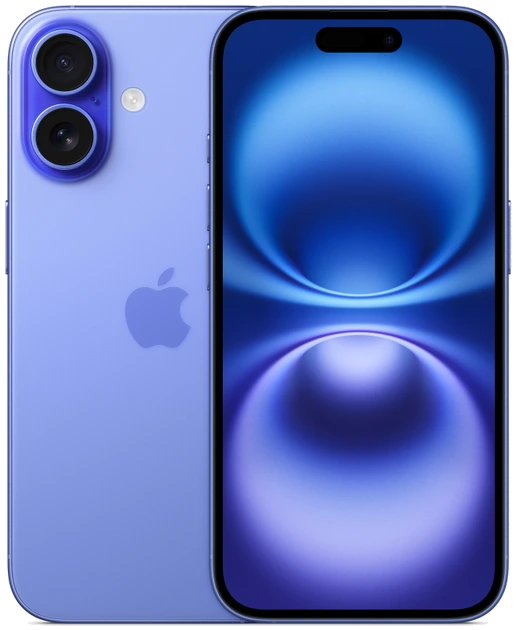
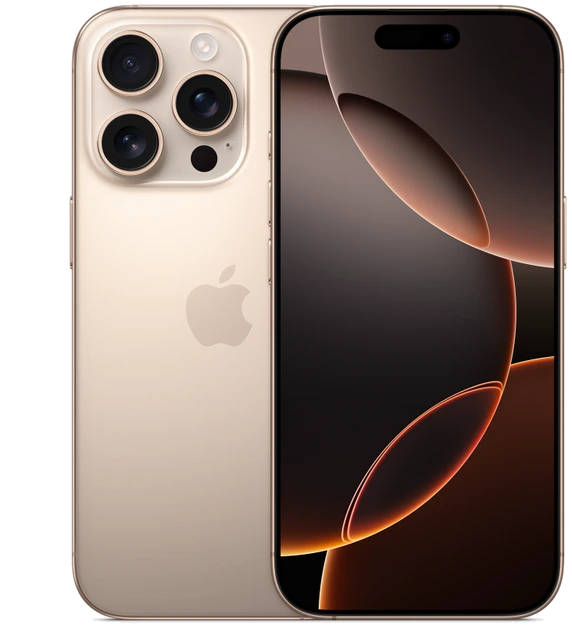
Google Pixel 9 vs Pixel 9 Pro for Camera Zoom
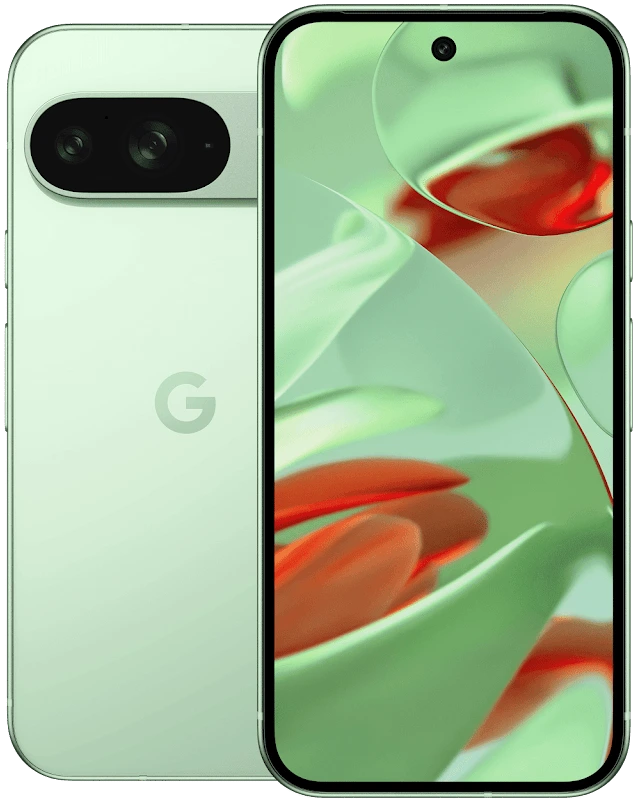
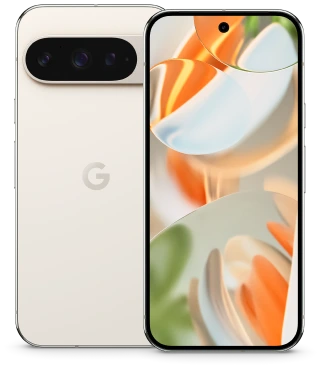
Choose Pixel 9 Pro if you regularly frame distant subjects from a fixed position. Its dedicated 48MP 5× telephoto gives you a tighter optical framing option. Choose Pixel 9 if you mostly photograph a group in a room, a meal or a street scene at ordinary distances. Google says the two U.S. 2024 models share their main and ultrawide cameras. Both have a 6.3-inch display, so the smaller Pro supplies the extra lens without requiring the larger Pro XL.
Start at the edge of a field
Imagine photographing a runner on the opposite side of a track. You cannot cross the lane or move into the infield. A wider picture can show the atmosphere, but cropping a small figure afterward uses only a fraction of the captured frame. A dedicated telephoto gives the camera another way to make the runner larger in the image from your original position.
Now move the same two phones into a café booth. The main camera can frame the person sitting opposite. For the whole group, switch to the ultrawide and try keeping faces away from the extreme corners. Google identifies the main and ultrawide modules as common to both phones. A buyer who mostly makes these two frames has a specific reason to look closely at the price difference.
What the Pro adds to the camera bag
Think of the Pixel 9 Pro as adding a distant framing option to an already useful pair of lenses. Google’s launch documentation also identifies a 42MP front camera on the Pro models. That can justify a separate front-camera comparison for a buyer who frequently records themselves. Pixel 9 already includes autofocus on its own selfie camera.
| Shot you want | Pixel 9 | Pixel 9 Pro |
|---|---|---|
| People around a table | Shares the main and 48MP ultrawide cameras with the Pro | Same main and ultrawide camera hardware |
| Player across the ground | Frame wide and crop or use digital zoom | Try the dedicated 48MP 5× telephoto from your seat |
| A group selfie | Autofocus front camera | 42MP front camera |
| Camera controls in your hand | 6.3-inch display | 6.3-inch display on the regular Pro |
Judge a finished picture, then inspect the crop
Make a small set of pictures from a fixed spot. Include a sign with lettering, a stationary face and a moving subject. Use normal photo mode first. Frame the same part of the scene on both phones, then make a wider picture on each. Keep the originals before messaging or posting them, because a sharing app may resize or compress the files.
Look at them first at the size you normally share. Next, crop both to the same subject size and check fine lettering, the outline of a face and textures such as grass. A difference you can see only in an extreme crop is worth paying for if you actually make that crop. It matters less for someone sharing a wide photograph with friends. Repeat in the light you expect to have at your venue.
Choose the kind of reach you use
Digital and optical zoom figures describe different parts of the imaging process. An advertised maximum can include computation and enlargement well past a lens’s native framing. The Pro’s dedicated 5× camera is a concrete hardware difference. Even on the Pro, available light, camera movement and subject motion still affect the photograph you get. A distant performer under stage lighting is a more revealing test for that job than a poster outside at midday.
If you usually move around your subject, Pixel 9 gives you the two views Google shares across the pair and may leave more money for storage. If seating, fences or a stage barrier dictate your shooting position, price the regular Pixel 9 Pro with the capacity you need. For a second-hand unit, check focus and framing on each rear camera during the return period, especially the telephoto you paid extra to use.