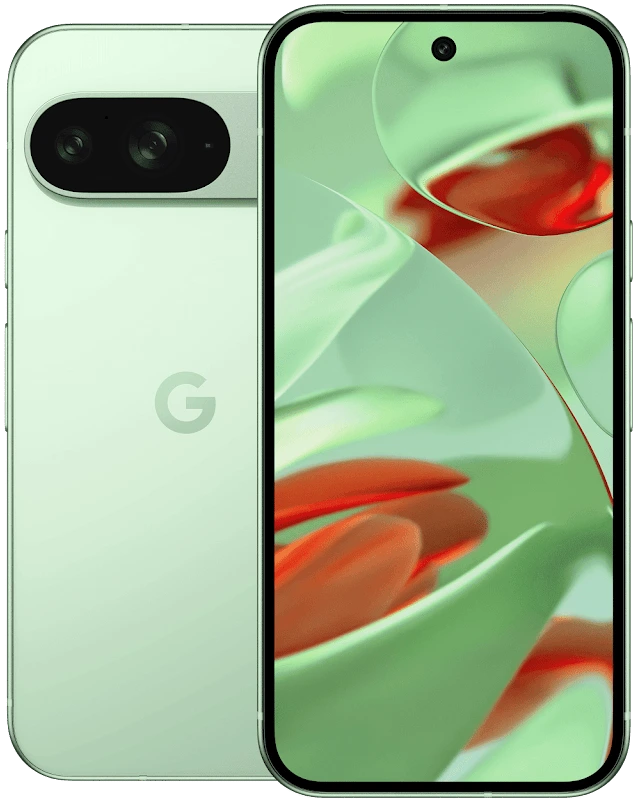
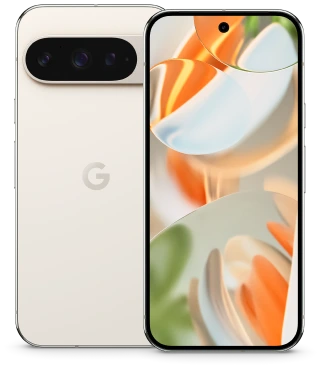
iPhone 16 vs iPhone 16 Pro for Portraits
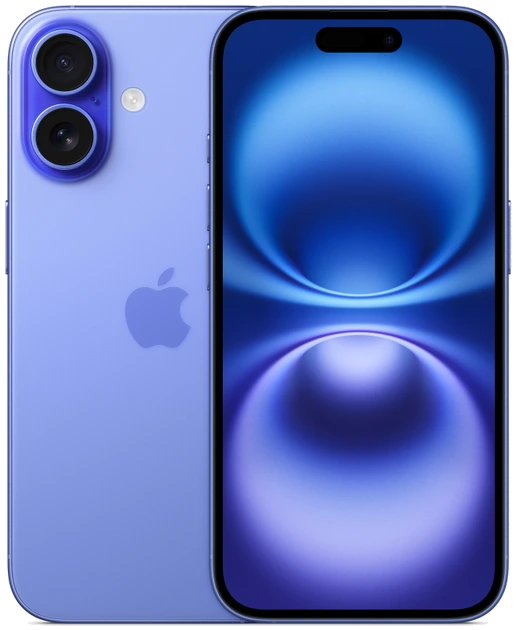
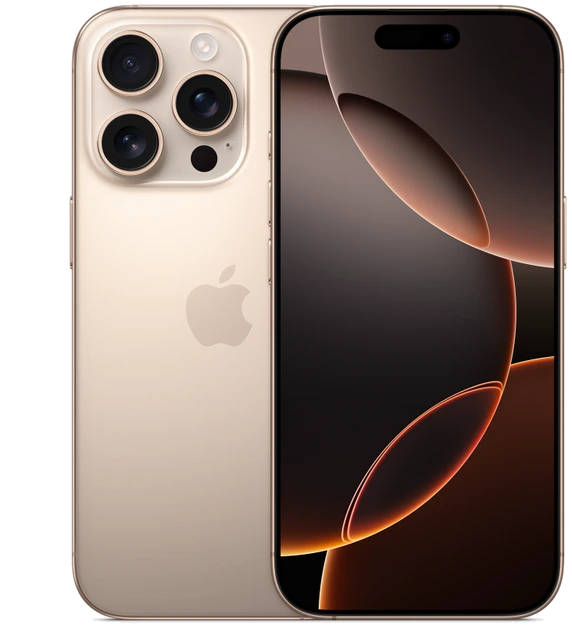
For portraits across a table or a few steps away, iPhone 16 already offers a useful 52 mm-equivalent 2× view and depth control. Choose iPhone 16 Pro when your usual shooting position is much farther away. Its dedicated 120 mm-equivalent 5× camera can frame someone on stage while you stay in your seat. These are the U.S. versions of Apple’s 2024 iPhones. The position of the photographer is central to the choice.
Begin with the distance you are allowed to stand
Picture two family events. At lunch you have an empty chair between you and your subject. At graduation a barrier keeps you behind four rows of seats. The same lens that makes a comfortable head-and-shoulders portrait from the aisle may be too tight to use at the table. Look at where someone could actually stand before deciding which phone provides the more useful view.
Perspective changes when you move the camera. Standing very close and using an ultrawide to include a face can make the nearest features appear large relative to the ears. Stepping back and framing a little tighter can give a more even result. Selecting a longer setting from precisely the same spot mainly changes the framing. These distinctions help explain why stepping back in the dining room may improve a picture without buying a different phone.
Read Apple’s focal lengths in pairs
Apple expresses these views in 35 mm-equivalent terms. The iPhone 16’s main camera starts a little tighter than the Pro’s, and its 2× view is correspondingly tighter as well. Both phones derive their 2× option from the main camera. The Pro adds a separate 5× telephoto camera with its own optics and stabilisation.
| Framing choice | iPhone 16 | iPhone 16 Pro |
|---|---|---|
| Show a person in a room | 26 mm-equivalent main camera | 24 mm-equivalent main camera |
| Tighter portrait nearby | 52 mm-equivalent 2× view from main camera | 48 mm-equivalent 2× view from main camera |
| Reach from a fixed seat | Digital zoom beyond 2× | Dedicated 120 mm-equivalent 5× camera |
| Portrait tools | Focus and Depth Control | Focus and Depth Control, plus LiDAR-enabled Night mode portraits |
Separate subject movement from camera shake
A posed adult by a window and a child blowing out candles produce different demands. Stabilisation helps with hand movement. A moving face can still blur during an exposure, even when the wallpaper behind it looks sharp. Adding light, asking for a brief pause or changing where the subject stands may make a greater difference than changing the portrait blur slider.
For an indoor trial, take several frames of the same person turning their head. Keep the originals, view the eyes at a comparable size and inspect hair or glasses against the background. Look for the number of frames you would keep and whether the blur effect cuts into the subject. A single appealing preview on a store display can hide these differences.
Choose the extra camera for a recurring photograph
For conferences, school stages or outdoor portraits from the opposite side of a path, tally how often your subject ends up small in the frame. If this happens every month, try the Pro at 5× from that real distance. Check both the whole frame and a crop. Also take a picture at the main-camera setting when the light is similar to the venue where you usually shoot.
If most of your album shows faces within a few paces, spend the comparison time on the standard iPhone’s 1× and 2× views. Compare offers with the same storage and inspect the glass over each camera on a used device. A clean lens, a reliable focus test and room to move can matter more to a family album than a focal length you would rarely select.