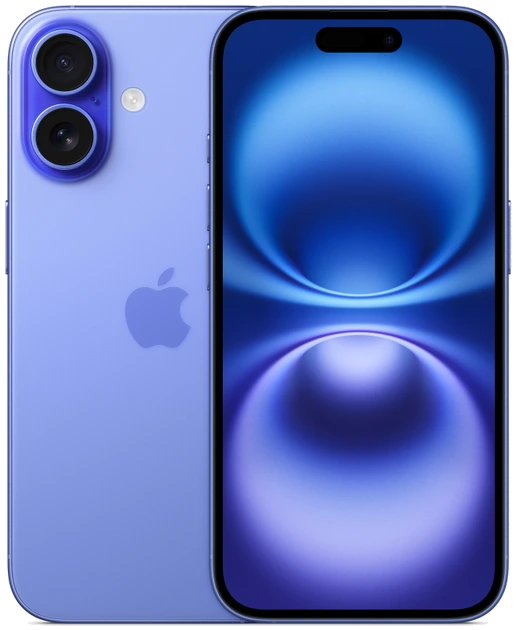
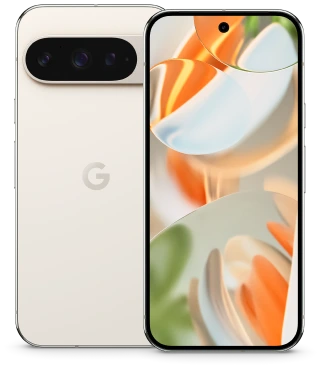
iPhone 16 Plus vs Pixel 9 Pro XL: Big Displays Compared
Choose the iPhone 16 Plus if a lighter big-screen phone matters most. Choose the Pixel 9 Pro XL if you prefer a slightly narrower body and want Google’s adaptive 1–120 Hz screen. The Pixel has the larger nominal diagonal, yet it is 76.6 mm wide to the iPhone’s 77.8 mm. In exchange, it is 1.9 mm taller and 22 g heavier. These U.S. specifications describe the two handsets without cases.
Measure the pocket before the diagonal
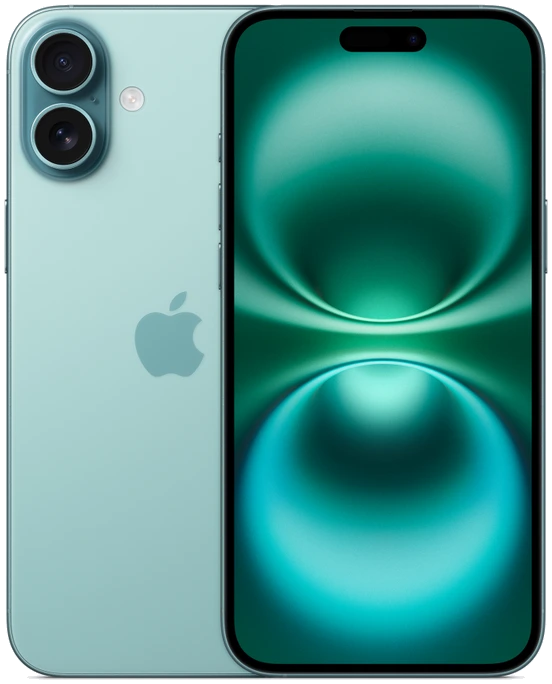
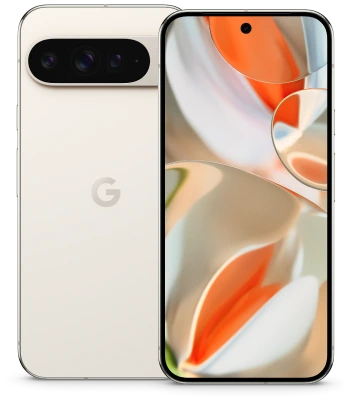
Apple’s 6.7-inch Plus measures 160.9 mm tall and 7.8 mm thick. The 6.8-inch Pixel measures 162.8 mm tall and 8.5 mm thick. A pocket with a narrow opening may suit the Pixel better, while a shallow pocket that already pushes a phone into your waist when seated may favor the shorter iPhone. Either comparison can change once you add a substantial case.
Test the place you actually carry it. Zip the internal pocket of a small shoulder bag, sit down in your usual jeans or slide the phone into the cradle you use in the car. The body measurements do not describe the entire shape around the camera lenses. Make sure the cased phone seats securely without loading a side button or catching on a pocket seam.
| Where you use it | iPhone 16 Plus | Pixel 9 Pro XL | Question to settle |
|---|---|---|---|
| In a close-fitting pocket | 160.9 × 77.8 mm | 162.8 × 76.6 mm | Is height or opening width limiting? |
| In your hand on a train | 199 g | 221 g | Will you support it with a second hand? |
| Reading and photo detail | 2796 × 1290 pixels | 2992 × 1344 pixels | What fits at your normal font size? |
| Scrolling on the move | Super Retina XDR OLED | LTPO OLED, 1–120 Hz | Do you notice the change in motion? |
Read the brightness labels as written
Google lists up to 2,000 nits for HDR and up to 3,000 nits peak on the Pixel 9 Pro XL. Apple lists a 1,000-nit typical maximum, a 1,600-nit HDR peak and a 2,000-nit outdoor peak on the iPhone 16 Plus. A nit is a measure of luminance. The descriptive labels matter because a bright highlight in a video and a map held in direct sun place different demands on the display.
Dividing 3,000 by 2,000 does not tell you how much easier a boarding pass will be to read outside. The manufacturers do not offer a shared outdoor test on these two product pages. Reflections, the screen protector, automatic brightness and the angle of the handset all affect the experience. If outdoor work is central to your choice, look at both from the same position near daylight with the same plain-text page open.
Look at the work area an app leaves you
A large screen pays off when the app uses the space for something you need. Try an email attachment sideways, a map with the next turn visible and a photograph with editing controls open. Zoom an attachment until its smallest labels are readable, then count how often you have to pan. This tests the document and your eyesight together.
For video, check a familiar clip that includes subtitles. The diagonal measures a standard rectangle; rounded corners and content aspect ratio affect how much of it carries the picture. Watch at a comfortable distance, then change your grip to dismiss the controls. A slim difference in screen size matters less if moving your hand interrupts every adjustment.
Decide which trade-off repeats more often
The iPhone’s lower weight is relevant during a long standing commute or an evening spent reading with one hand. The Pixel’s narrower frame and adaptive refresh appeal when you prefer a large display for lists, maps and scrolling photo collections. If the phone usually sits on a stand, body weight may make little difference, leaving display behavior and software preference to decide.
Both belong to the 2024 generation. When comparing secondhand units, treat the installed display and its condition as part of the offer. Ask about screen repairs, examine a uniform gray page and test touch response along each edge. A clean, well-fitting example with the display behavior you like is the better purchase than a slightly larger diagonal on a visibly compromised panel.