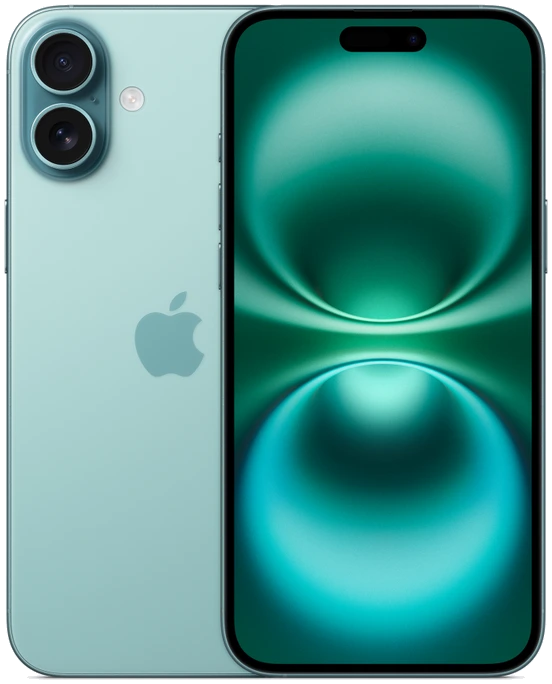
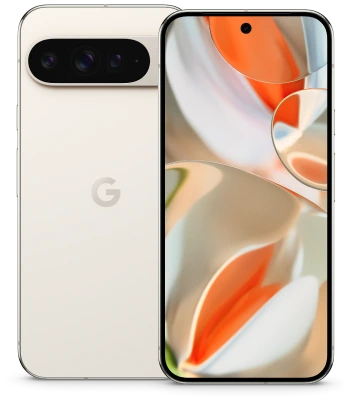
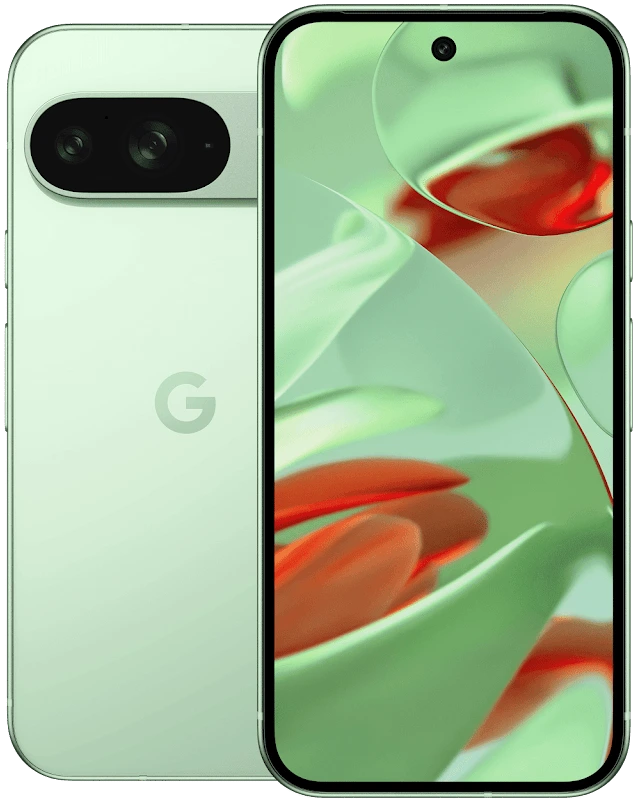
iPhone 16 vs Pixel 9 Pro: Size and Display
The iPhone 16 is the lighter choice for one-handed reading; the Pixel 9 Pro fits a larger, adaptive display into almost the same width. Apple lists its phone at 71.6 mm wide and 170 g, while Google lists the Pixel at 72.0 mm and 199 g. For someone whose thumb already reaches across an iPhone 16, the Pixel’s extra 5.2 mm of height and 29 g of weight are the differences worth trying in person.
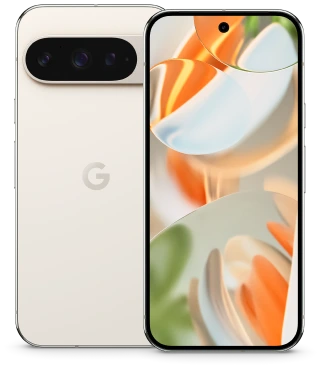
Start with the hand that holds the phone
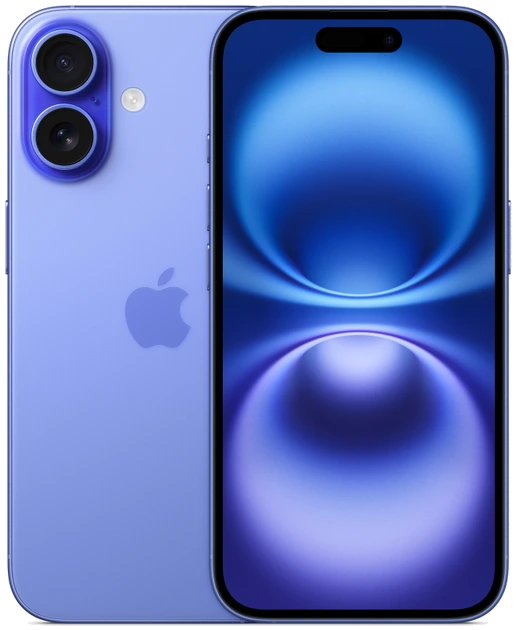
Width is a useful first filter because your hand has to wrap around the handset before your thumb can reach anything. In this pair, the nominal 0.4 mm gap is small enough that a different case could easily reverse the order. Compare both phones bare, then compare them again in the kind of case you intend to buy. Check the outer dimensions of the case if a particular car mount or running belt has a tight opening.
Now think about where the control sits. A reply button at the bottom of a chat asks little of your thumb. A search field at the top of a long list may require shifting the phone upward in your palm. Apple’s handset is 147.6 mm tall and the Pixel is 152.8 mm. Even when both devices pass a width check, those two controls can feel quite different.
| U.S. published specification | iPhone 16 | Pixel 9 Pro |
|---|---|---|
| Height × width | 147.6 × 71.6 mm | 152.8 × 72.0 mm |
| Body thickness | 7.8 mm | 8.5 mm |
| Weight | 170 g | 199 g |
| Nominal diagonal | 6.1 inches | 6.3 inches |
| Resolution and density | 2556 × 1179, 460 ppi | 2856 × 1280, 495 ppi |
Set the text size before comparing screens
Display resolution tells you how many pixels are available, while the operating system and the app decide how those pixels become lines of text and interface controls. A 6.3-inch screen does not automatically show an extra paragraph. Increasing the Pixel’s font size for comfort can use the extra space differently from keeping the default size. The same applies to the iPhone.
Open the same long article and set the text on each phone to a size you would happily read on a train. Look at how many useful lines remain above the bottom toolbar. Open the keyboard and reply to a message with one thumb. Notice whether correcting a typo requires changing your grip. Those two screens reveal more about the usable workspace than a home screen full of neatly spaced icons.
Match refresh behavior to the thing you watch
Google specifies its Smooth Display range as 1–120 Hz on the Pixel 9 Pro. The handset can adjust refresh behavior for different content. A quick scroll through small text or a timeline is a better way to judge whether this matters to you than staring at a still image. The app, its content and the settings in use also affect what appears on screen.
Apple’s U.S. iPhone 16 page specifies a Super Retina XDR OLED display and does not list ProMotion for this model. Buyers who prioritize adaptive high-refresh scrolling have a documented reason to favor the Pixel here. For someone who mostly reads a stationary page or answers email, weight and the position of the keyboard may be easier differences to notice every day.
Try a five-minute hold
Rest your elbow in its usual position and hold the phone at reading distance. Turn a page a few times, tap near the top edge and lower the handset as if putting it away. The 29 g weight difference is present throughout those actions. Hand proportions and the position of a case lip can matter just as much, so your own experience should settle a close call.
If reducing the load in your hand is the priority, start with iPhone 16. If you want smoother scrolling and a little more room while staying near 72 mm wide, start with Pixel 9 Pro. Both are earlier-generation models, so compare the condition of the actual displays too: check a plain background, inspect the edges and make sure a fitted protector has not obscured part of the screen.