
Best lightweight travel laptops to pair with your iPhone or Android
The Lenovo Yoga Slim 7i Ultra is our first pick for an Android owner who travels with a modern USB-C kit. With a personal iPhone and permission to use a Mac, choose the 13-inch MacBook Air M5. A ThinkPad X1 Carbon makes more sense when you present the same files in rooms with older connections.
Quick picks
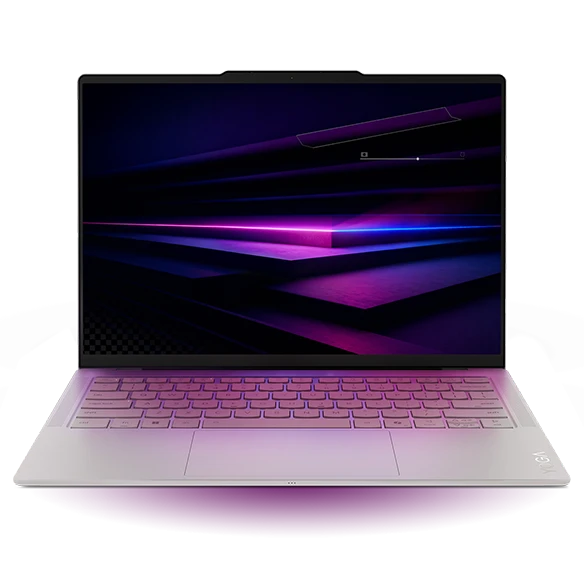
Lenovo Yoga Slim 7i Ultra Gen 11 Aura Edition
A customer hands you a product to photograph. You need its serial number and a wide shot in a proposal before your train leaves. Google’s Quick Share can send pictures between a compatible Android phone and a nearby Windows PC. The Yoga pairs that workflow with a 14-inch screen and a starting weight of 975 g. Its Intel platform is also a useful starting point for a company that specifies x86 Windows.
- Display
- 14 in OLED touch
- Weight
- From 975 g
- Platform
- Intel Core Ultra Series 3
Why choose it
Three Thunderbolt 4 ports leave room for phone, charger and USB-C storage together. A compatible cable gives you a second transfer route.
Trade-off
There is no built-in USB-A or HDMI. For a client presentation, check the screen input before relying on the three sockets.
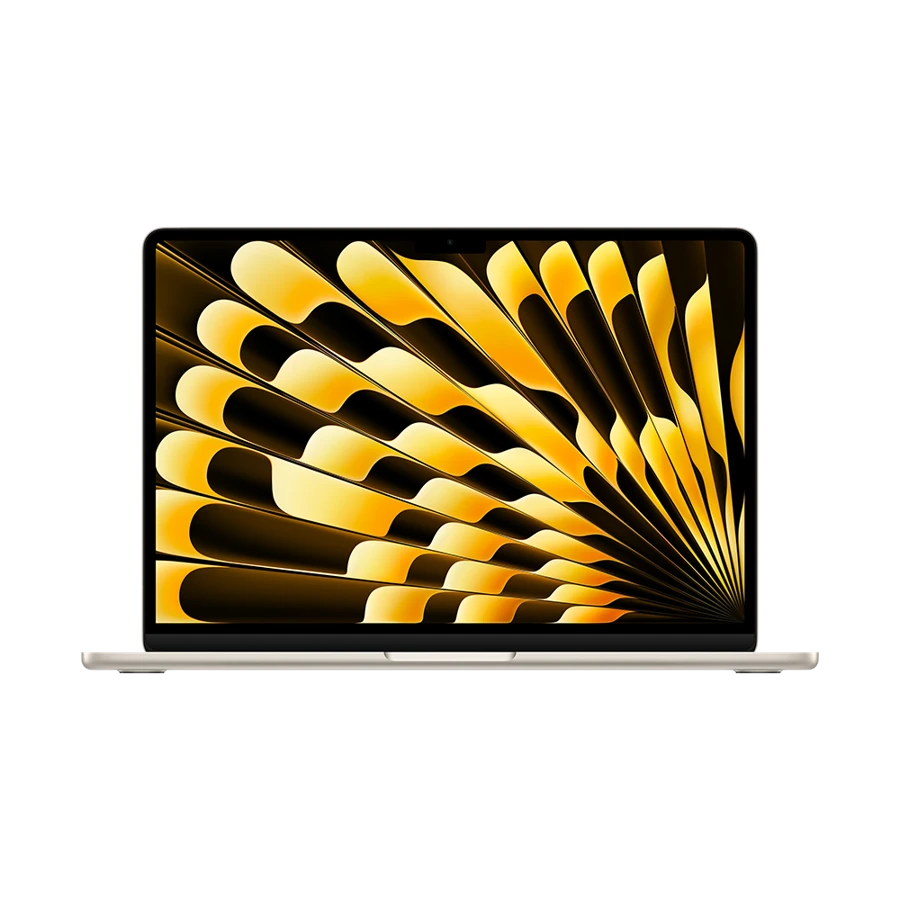
Apple MacBook Air 13-inch (M5)
A consultant who records a whiteboard on an iPhone, writes the proposal in Pages or Word and presents from a Mac has a simpler handoff. AirDrop can carry the photo. Universal Clipboard can move a short passage or URL between nearby Apple devices that meet Apple’s account and wireless requirements. The Air’s 13.6-inch screen still leaves room for a document and a small reference window.
- Display
- 13.6 in IPS
- Weight
- 1.23 kg
- Platform
- Apple M5
Why choose it
MagSafe charging leaves both Thunderbolt ports free for a reader and a display adapter. The laptop weighs 1.23 kg.
Trade-off
An employer that prevents signing a managed Mac into your Apple Account can remove much of this convenience. Verify the policy before buying for Continuity.
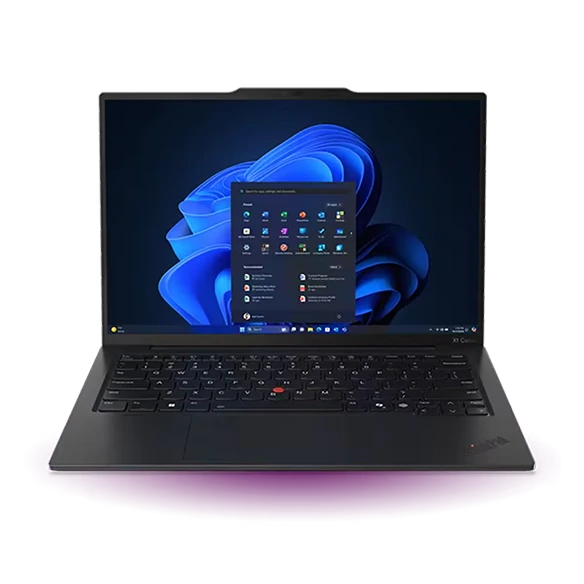
Lenovo ThinkPad X1 Carbon Gen 13 Aura Edition
The X1 Carbon is the more forgiving travel companion if your phone choice changes every two years but your customers still hand over USB-A receivers and HDMI cables. It supports the same Windows-side delivery paths as the Yoga, with native sockets for both of those accessories. The value is visible at the projector, even if the phone never leaves your pocket.
- Display
- 14 in, panel varies
- Weight
- From 986 g
- Platform
- Intel Core Ultra Series 2
Why choose it
Two USB-A ports handle a presentation remote and a flash drive simultaneously. The two Thunderbolt ports remain available for modern peripherals.
Trade-off
Lenovo quotes a starting weight. The panel, cellular option and exact configuration can change what lands in your bag.
Specifications at a glance
| Laptop | Laptop weight | Screen | Platform | Connections |
|---|---|---|---|---|
| Yoga Slim 7i Ultra | From 975 g | 14 in, 2880 × 1800 OLED | Intel Core Ultra Series 3 | 3 × Thunderbolt 4 |
| MacBook Air 13 M5 | 1.23 kg | 13.6 in, 2560 × 1664 IPS | Apple M5 | 2 × Thunderbolt 4, MagSafe 3, 3.5 mm |
| ThinkPad X1 Carbon Gen 13 | From 986 g | 14 in, IPS or OLED by configuration | Intel Core Ultra Series 2 | 2 × Thunderbolt 4, 2 × USB-A, HDMI, 3.5 mm |
Weights exclude the power adapter. A starting weight applies only to the configurations covered by the manufacturer.
Start with the file that has to move
Which lightweight laptops would you recommend for business travelers? For a phone-first workflow, answer with one real file. A receipt image is easy to resend. A five-minute product demonstration may be too large for email. A client document may have to stay inside an approved work account. List the sender, destination and acceptable transfer method for each. That short list is a better guide to platform choice than the logo on your current phone.
Suppose you have four site photographs and an edited contract to deliver. Put the photos in one project folder, rename the final contract there, then open the outgoing package on the laptop. A successfully transferred thumbnail does not prove you sent the full-resolution image. For sensitive material, use the channel the client and your employer have approved.
Pick a handoff you can repeat
Treat these as dry runs before departure. They also expose a missing cable or a blocked account ahead of the meeting.
| Task | First choice | What to verify |
|---|---|---|
| Send phone photos to a Windows laptop | Quick Share on a supported Android phone and Windows PC | Receiving visibility, work profile rules and correct destination folder |
| Move an image from iPhone to Mac | AirDrop | Receiving settings and the contact or device you actually selected |
| Send across separately managed accounts | Approved team file service or permitted cable transfer | Access on both devices and download of the original file |
| Present at a customer site | Local copy plus the correct display connection | Open it offline and display one slide including its fonts |
Make the decision before the airport
A flyer carrying only the phone, charger and laptop gets the most from the Yoga’s weight advantage. If HDMI is needed once a quarter, a small adapter can be a reasonable addition. If you change rooms three times a day, the ThinkPad’s native connections remove a repeated step. If each visit begins with photographs from a personal iPhone, the Air’s closer handoff can matter more than either Windows laptop’s lower starting weight.
How we chose these laptops
We ranked these machines by the handoffs required in three business trips. We checked the manufacturers’ port layouts and platform information against Apple, Google and Microsoft setup guidance. Account permissions and the actual receiving device are part of the recommendation. No transfer-speed or battery benchmark is implied.
Buying questions
Does an iPhone rule out a Windows laptop?
No. Microsoft documents Phone Link for iPhone and Android, with different feature coverage. For exchanging client files, check your permitted file service or cable workflow independently of Phone Link.
Can I use the same USB-C cable for a monitor and a phone?
Only if it supports the job. A lead supplied for charging may carry little data or lack display support. Label a known display-capable cable before travel.
What if sharing fails at the meeting?
Keep a local copy on the laptop. If permitted, carry a second copy in the client’s approved shared folder and check that another authorized device can open it.
Sources and further reading
- Lenovo Yoga Slim 7i Ultra Gen 11 Aura Edition · technical specifications
- Apple MacBook Air 13-inch (M5) · technical specifications
- Lenovo ThinkPad X1 Carbon Gen 13 Aura Edition · technical specifications
- Google · Quick Share for Android and Windows
- Microsoft · Phone Link setup and supported platforms
- Apple · Send files with AirDrop
- Apple · Universal Clipboard setup and use