
Best lightweight graduate laptops for lecture notes and phone scans
For a student who moves between scanned readings and typed seminar notes, the Surface Laptop 13 has the most useful screen shape here. Choose the MacBook Air 13 M5 if an iPhone is your main note-capture tool, or the Yoga Slim 7i Ultra if walking weight and a larger panel matter more.
Quick picks
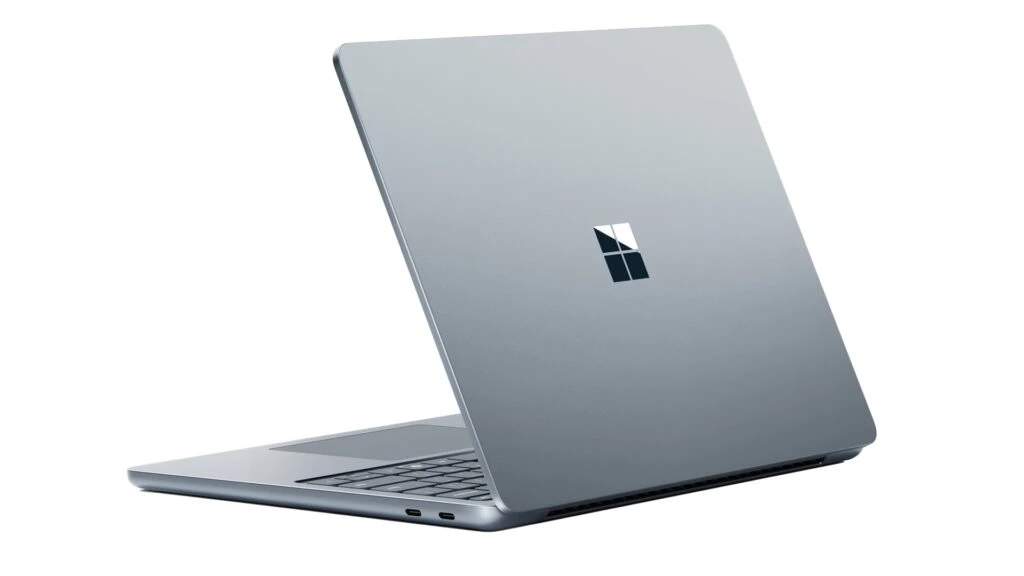
Microsoft Surface Laptop for Business 13-inch (1st Edition)
The Surface Laptop for Business 13-inch in this comparison is the first Snapdragon X Plus edition. Its 1920 × 1280 touchscreen has a 3:2 aspect ratio. In a seminar, the extra vertical space relative to a 16:10 panel of the same width can keep the paragraph above a footnote in view. One USB-A port lets a department flash drive plug in directly.
- Display
- 13 in 3:2 touch
- Weight
- 1.22 kg
- Platform
- Snapdragon X Plus, 8-core
Why choose it
For the same width, a 3:2 rectangle is roughly 7% taller than a 16:10 rectangle. That comparison isolates shape rather than claiming a full extra page on every screen.
Trade-off
The processor uses Arm. A reading and writing workload is a much better reason to buy this version than an unverified department application or scanner driver.
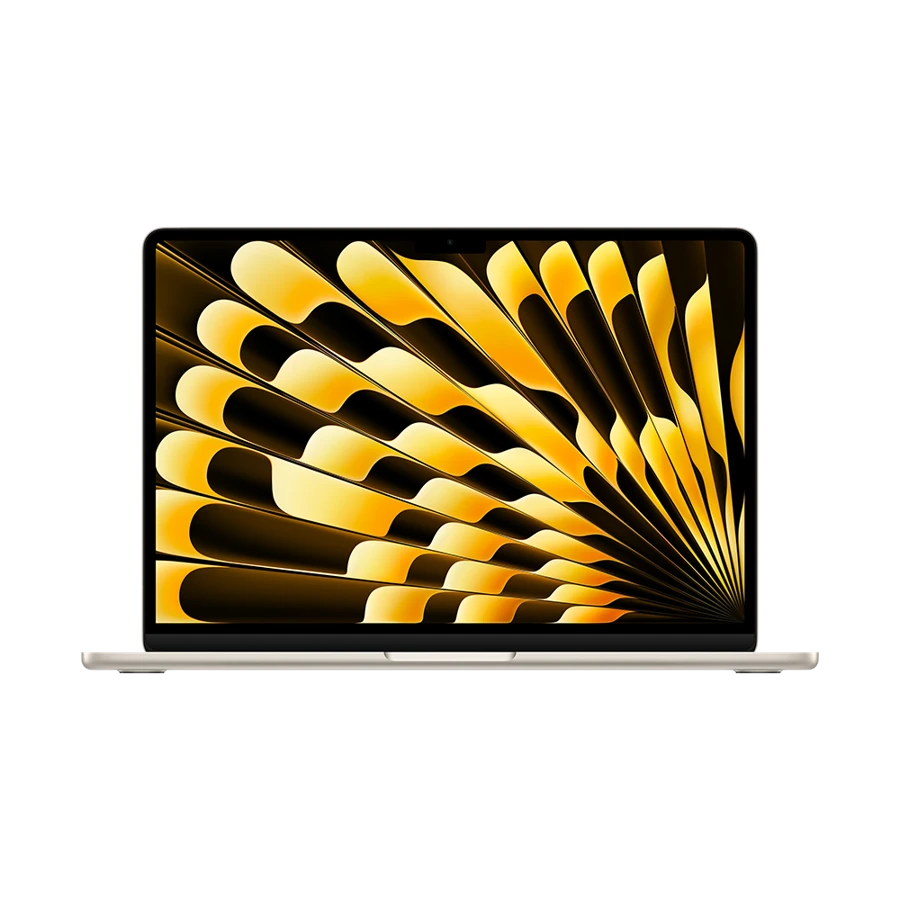
Apple MacBook Air 13-inch (M5)
Take a photo of the board with permission, send the image to your Mac and insert it beside the paragraph where the lecturer introduced it. AirDrop supports this route between compatible devices. Universal Clipboard is more useful for a copied reference number or short quotation. Keeping the original image alongside the notes gives you something to verify when revising for a methods exam.
- Display
- 13.6 in IPS
- Weight
- 1.23 kg
- Platform
- Apple M5
Why choose it
Apple’s standard M5 Air config pairs 16 GB of unified memory with 512 GB of storage. The built-in screen has 2560 × 1664 pixels.
Trade-off
The Mac screen is for keyboard-and-trackpad navigation. If pressure-sensitive handwritten equations are central to your course, choose a dedicated pen system separately.
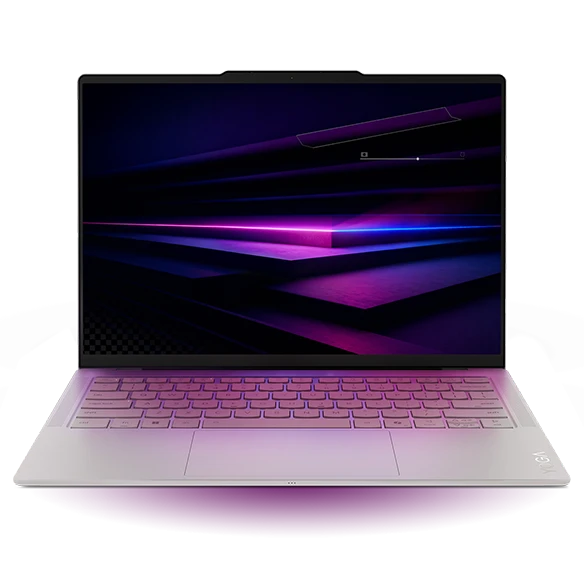
Lenovo Yoga Slim 7i Ultra Gen 11 Aura Edition
The Yoga offers a 14-inch, 16:10 OLED panel while starting at 975 g. A student working on two documents can keep the article on one side and a growing outline on the other. Its touchscreen supports gestures such as scrolling, and three USB-C connections suit a modern desk. This is a good fit for typed notes and cropped diagrams.
- Display
- 14 in OLED touch
- Weight
- From 975 g
- Platform
- Intel Core Ultra Series 3
Why choose it
The documented 2880 × 1800 configuration gives room for sharp text and a full-width diagram. The 75 Wh battery figure is published capacity, not a promised number of classes.
Trade-off
The Slim 7 Ultra 14IPH11 specification lists no pen support. A Yoga name and a touchscreen alone do not establish active-pen support.
Specifications at a glance
| Laptop | Laptop weight | Screen | Platform | Connections |
|---|---|---|---|---|
| Surface Laptop 13 X Plus | 1.22 kg | 13 in, 1920 × 1280 touch | Snapdragon X Plus, 8-core | 2 × USB-C 3.2, USB-A, 3.5 mm |
| MacBook Air 13 M5 | 1.23 kg | 13.6 in, 2560 × 1664 IPS | Apple M5 | 2 × Thunderbolt 4, MagSafe 3, 3.5 mm |
| Yoga Slim 7i Ultra | From 975 g | 14 in, 2880 × 1800 OLED | Intel Core Ultra Series 3 | 3 × Thunderbolt 4 |
Weights exclude the power adapter. A starting weight applies only to the configurations covered by the manufacturer.
Follow one reading from phone to bibliography
Which lightweight laptops are good for graduate students? Picture the final hour before a seminar. Your phone holds a board photograph, the reading is a PDF in your institution’s library and your notes mention “the interaction on page 14.” Open each item on the laptop. Can you get from that note to the correct document and page without searching a long camera roll? Pick the machine that makes this repeatable.
For a paper with printed page numbers that differ from the PDF viewer’s count, record both on the first note. Save a permitted local copy with author and year in the filename. That small habit does more for reproducibility than keeping a dozen nearly identical PDF tabs open.
Choose by the work you do between classes
Run a ten-minute rehearsal in your preferred reading app before choosing display scaling or a storage tier.
| Study habit | The useful hardware or feature | A quick check |
|---|---|---|
| Read long passages and type responses | Surface 13-inch 3:2 panel | Compare the text visible at a font size you can read without leaning in |
| Capture and file a board diagram | MacBook Air with compatible iPhone | Transfer an original image, add the seminar date and paste a citation |
| Walk repeatedly between buildings | Yoga Slim 7i Ultra low starting weight | Add your charger, notebooks and the bottle you carry every day |
| Annotate equations with pressure-sensitive ink | A separate, verified active-pen device | Ask to handwrite a page using the exact stylus and app |
Plan storage for the part you own
A document that appears in a cloud folder may be only a pointer until you open it. Before the seminar, save the required reading for offline access, disconnect briefly and check two pages near the end. For files available only through a library portal, use the offline option permitted by your institution. A cloud icon is poor insurance against an unreliable lecture-hall network.
If you use a phone to capture field notes or identifiable participants, keep those images inside your program’s approved storage process. The easiest personal transfer tool may be inappropriate for that project. Ask the supervisor which route is allowed before building a buying decision around it.
How we chose these laptops
We compared aspect ratios, input support, transfer options and the way each manufacturer describes its configuration. We ranked the three for reading and typed-note workflows. Pen performance, typing speed and screen endurance would require measurements or model-specific trials beyond this comparison.
Buying questions
Does the 3:2 Surface automatically show more than the 14-inch Yoga?
No. Physical size, resolution, zoom and app layout all affect how many lines fit. The ratio comparison assumes the same width.
Do I need 32 GB for graduate writing?
For PDFs, notes and a reference manager, check the apps you already use before paying for more memory. Data-heavy lab software has separate requirements.
Can an Android phone send scans to a Windows laptop?
Google offers Quick Share for supported Android and Windows devices. Confirm your university permits it for the material you intend to transfer.
Sources and further reading
- Microsoft Surface Laptop for Business 13-inch (1st Edition) · technical specifications
- Apple MacBook Air 13-inch (M5) · technical specifications
- Lenovo Yoga Slim 7i Ultra Gen 11 Aura Edition · technical specifications
- Apple · Send files with AirDrop
- Apple · Universal Clipboard setup and use
- Microsoft · Application and driver compatibility on Windows on Arm
- Google · Quick Share for Android and Windows