
Best lightweight graduate laptops for coding and lab equipment
The ThinkPad X1 Carbon Gen 13 is our starting point when a lab gives you Windows software and a USB-A instrument. The MacBook Air M5 fits a Mac-supported research stack, while the Lenovo Yoga Slim 7i Ultra is the lighter Windows choice for code, remote clusters and USB-C peripherals.
Quick picks
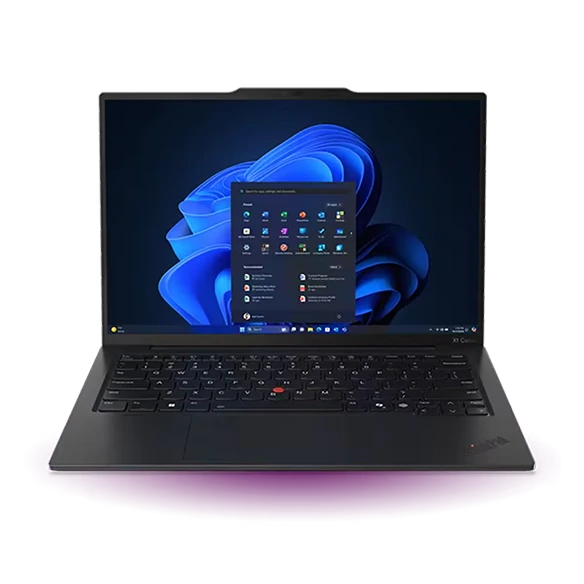
Lenovo ThinkPad X1 Carbon Gen 13 Aura Edition
A program can run perfectly on a new computer and still fail to see the piece of equipment you have to use on Tuesday. Start with the instrument model, required driver and supported Windows release. The Carbon’s Intel Windows platform and two native USB-A ports make it the first model to consider for rooms built around conventional Windows desktops. They cannot restore a driver the equipment maker no longer supports.
- Display
- 14 in, panel varies
- Weight
- From 986 g
- Platform
- Intel Core Ultra Series 2
Why choose it
A USB-A logger and a license key can occupy separate ports while the charger sits in a Thunderbolt socket. Native HDMI is useful at a departmental presentation.
Trade-off
Check driver versions and institutional licensing before buying. Some labs require the department’s own desktop regardless of your personal hardware.
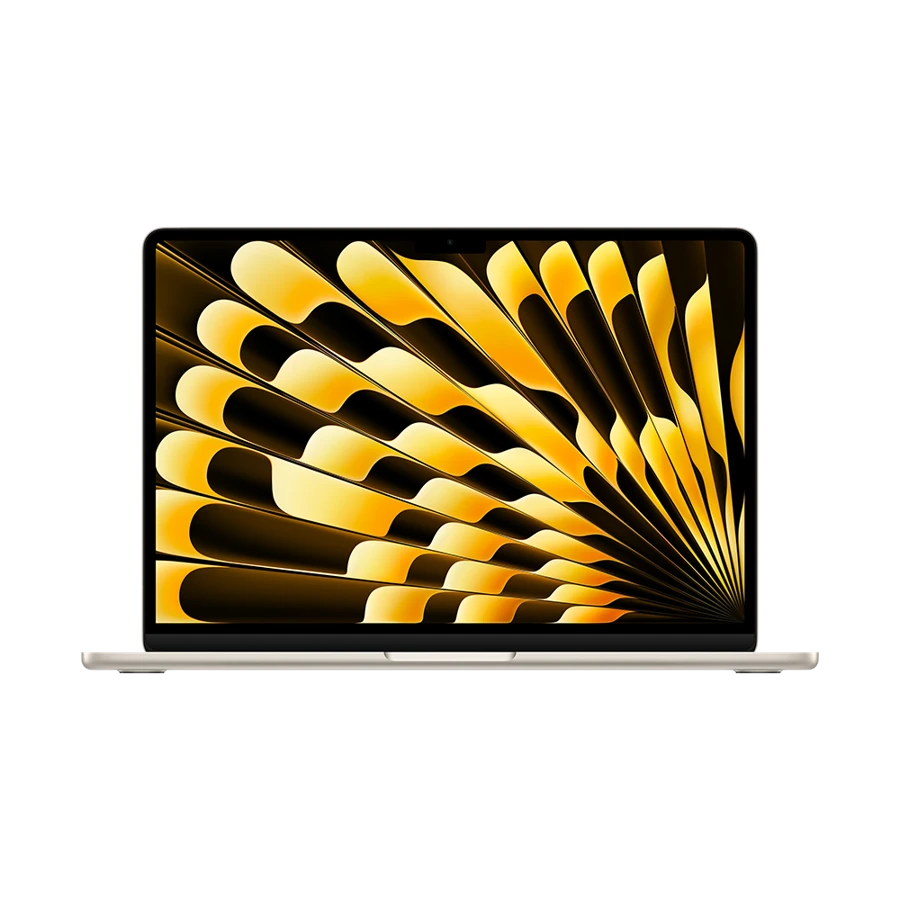
Apple MacBook Air 13-inch (M5)
The Air M5 is a coherent choice if your project already builds on Apple silicon and data acquisition happens elsewhere. A student using an iPhone for photographs can organize field notes on the same Mac used to write and analyze them. Apple lists 16 GB of unified memory in the base machine and 24 GB or 32 GB options, so decide before ordering how much of the dataset has to stay local.
- Display
- 13.6 in IPS
- Weight
- 1.23 kg
- Platform
- Apple M5
Why choose it
Two Thunderbolt 4 ports accept fast external storage. When MagSafe supplies power, both data ports are still available.
Trade-off
Some teaching images, lab extensions and hardware packages target another platform. Confirm the precise toolbox, release and acquisition device instead of relying on the application name.
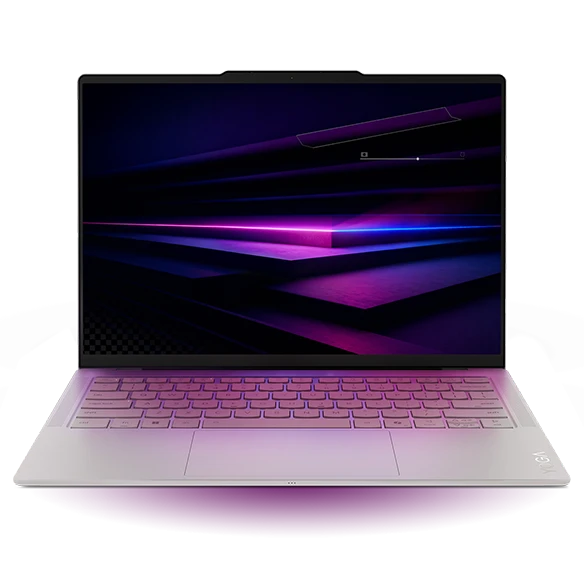
Lenovo Yoga Slim 7i Ultra Gen 11 Aura Edition
If the serious compute job runs on a department server, the notebook spends its day editing, checking small samples and watching jobs. Carry weight then matters on every journey while a faster local GPU may do very little. The Yoga platform lists 32 GB and 64 GB soldered memory options, with exact availability depending on the retail configuration.
- Display
- 14 in OLED touch
- Weight
- From 975 g
- Platform
- Intel Core Ultra Series 3
Why choose it
A 14-inch panel and a starting weight below one kilogram suit a daily trip between lab and office. Choose memory before purchase.
Trade-off
There is no native USB-A. For data acquisition the adapter and its connection are part of the system that needs verifying.
Specifications at a glance
| Laptop | Laptop weight | Screen | Platform | Connections |
|---|---|---|---|---|
| ThinkPad X1 Carbon Gen 13 | From 986 g | 14 in, IPS or OLED by configuration | Intel Core Ultra Series 2 | 2 × Thunderbolt 4, 2 × USB-A, HDMI, 3.5 mm |
| MacBook Air 13 M5 | 1.23 kg | 13.6 in, 2560 × 1664 IPS | Apple M5 | 2 × Thunderbolt 4, MagSafe 3, 3.5 mm |
| Yoga Slim 7i Ultra | From 975 g | 14 in, 2880 × 1800 OLED | Intel Core Ultra Series 3 | 3 × Thunderbolt 4 |
Weights exclude the power adapter. A starting weight applies only to the configurations covered by the manufacturer.
Turn the course requirements into a purchasing test
Which lightweight laptops are good for graduate students? For a research degree, ask your supervisor to send three details: the exact software release used in the lab, the hardware-support package and the make of any device that connects directly. MathWorks publishes requirements and hardware support information by release. A licence for a product and support for one specific instrument are separate checks.
A worked example: take a 12 GB raw dataset, allow another 12 GB for an intermediate copy and 4 GB for outputs. That individual job needs roughly 28 GB of free storage before the operating system, project history or backups. It says nothing about RAM until you know how your code reads or streams the data. Sample a small run and observe its peak memory on a lab computer.
Four questions for the lab coordinator
A written answer to each item is more useful than an unspecific recommendation for a powerful laptop.
| Question | Why it changes the shortlist | Example decision |
|---|---|---|
| Who collects the raw data? | A local acquisition device can need a specific driver | Start with Carbon if the instrument and driver are certified for Intel Windows |
| Where does the final computation run? | Server time can replace the need for local acceleration | Consider Yoga for editing and a lightweight local test |
| Which code must run offline? | A remote login cannot help at an unconnected field site | Run the actual environment on a small dataset before departing |
| Does the selected toolbox support the architecture? | Core app support need not cover every extension | Buy Air only after the required components build or install on Apple silicon |
A useful exception for architecture-sensitive work
Windows on Arm can suit browser applications and remote workspaces, but a machine with a Snapdragon processor is a separate procurement decision for this task. Microsoft explains that a peripheral’s driver must be supplied for the platform or already supported by Windows. Successfully launching the desktop application alone is not evidence that the lab instrument works.
Also check the university VPN, the device you use for two-factor authentication and access to the departmental server from an external network. Start a small remote job, disconnect your client and follow your lab’s procedure for retrieving its output. That exercise distinguishes a convenient mobile terminal from a workstation you genuinely need to own.
How we chose these laptops
The ranking gives priority to acquisition hardware, supported operating systems and the location of computation. Manufacturer specifications establish the ports and configurations. Department software, accounts and hardware drivers must be confirmed for the exact project; we did not benchmark a generic statistical job.
Buying questions
Which platform is safest if the requirements sheet says Windows only?
Ask whether that means Intel or AMD x86 Windows, Windows on Arm or a managed lab image. Buy only after the department clarifies its support policy.
Does a larger SSD replace RAM?
No. Storage holds files and environments. RAM holds active data and working state. Measure the peak usage of a representative job or budget for remote compute.
Can I use a phone hotspot to reach the cluster?
Often, if the carrier permits tethering and the institution allows the VPN connection. Test from outside campus and keep local copies of the scripts required to recover a session.
Sources and further reading
- Lenovo ThinkPad X1 Carbon Gen 13 Aura Edition · technical specifications
- Apple MacBook Air 13-inch (M5) · technical specifications
- Lenovo Yoga Slim 7i Ultra Gen 11 Aura Edition · technical specifications
- MathWorks · MATLAB requirements and hardware support by release
- Microsoft · Application and driver compatibility on Windows on Arm