
Lightweight business laptops compared by the kit you actually carry
For a traveler moving between unfamiliar conference rooms, we would take the ThinkPad X1 Carbon Gen 13. For a known USB-C route, the Lenovo Yoga Slim 7i Ultra offers a lower starting weight. The MacBook Air M5 earns its place when macOS is required and the room connection can be planned in advance.
Quick picks
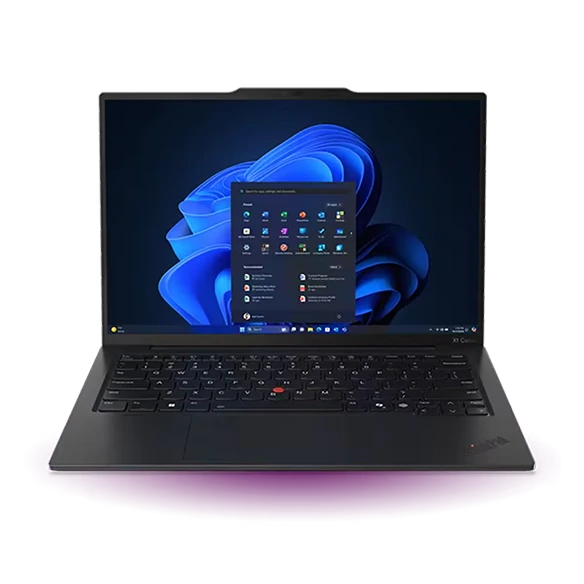
Lenovo ThinkPad X1 Carbon Gen 13 Aura Edition
An unfamiliar room is a poor place to discover that the clicker has a USB-A receiver, the projector terminates in HDMI and the only available socket is across the table. The Carbon can accept the receiver and HDMI directly, leaving USB-C available for power. You can put the clicker back in its case without an adapter attached and move on to the next room.
- Display
- 14 in, panel varies
- Weight
- From 986 g
- Platform
- Intel Core Ultra Series 2
Why choose it
The HDMI port and two USB-A ports cover two common pieces of presentation equipment. Lenovo lists 986 g as a starting family weight.
Trade-off
Some configurations weigh more. Specify the full machine type on the purchase order and add the charger to your travel total.
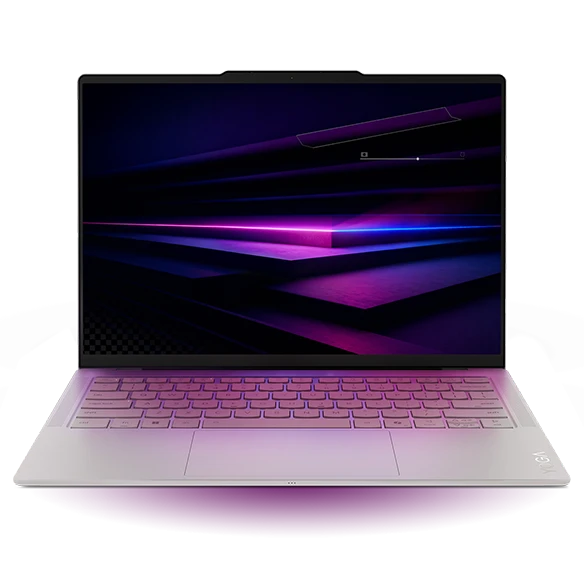
Lenovo Yoga Slim 7i Ultra Gen 11 Aura Edition
With one USB-C screen at the office and another at the client, carrying an HDMI port in the chassis buys little. The Yoga can connect a display and accept power over a suitable cable and compatible monitor. Three Thunderbolt 4 sockets give a USB-C storage drive and your phone their own places. Select the model only after confirming that the monitor input actually accepts video.
- Display
- 14 in OLED touch
- Weight
- From 975 g
- Platform
- Intel Core Ultra Series 3
Why choose it
At its listed 975 g minimum the 14-inch Yoga offers a large-enough working screen in a sub-kilogram configuration.
Trade-off
A USB-A security key, receiver or legacy flash drive adds an adapter to the kit. The nominal weight margin over the lightest Carbon is only 11 g.
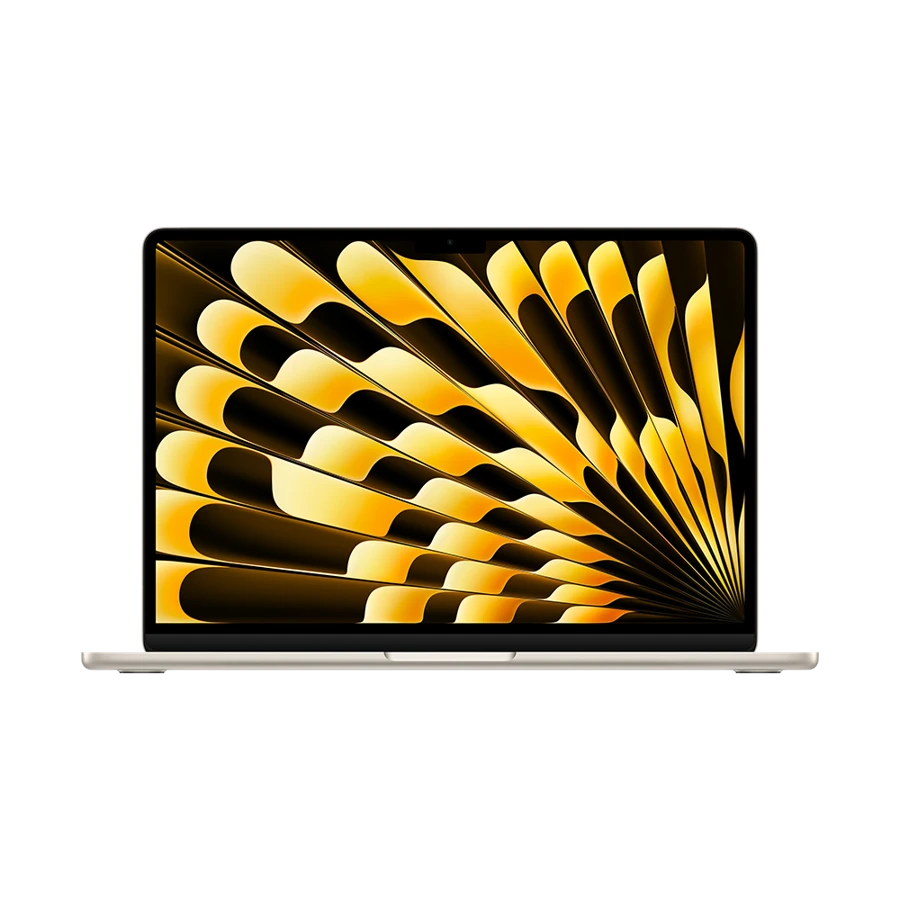
Apple MacBook Air 13-inch (M5)
The M5 Air works particularly well for an itinerary built around Keynote, a shared iCloud document or another Mac-specific tool. MagSafe takes power off the two Thunderbolt ports, so a display adapter can remain attached alongside a drive. Its 13.6-inch display is a useful compromise when a seat table must also hold a phone and paper notes.
- Display
- 13.6 in IPS
- Weight
- 1.23 kg
- Platform
- Apple M5
Why choose it
The 1.23 kg figure is for the machine. Separate power and data connections make a two-accessory meeting setup easy to map.
Trade-off
A wired HDMI connection requires a suitable adapter. Check slides with embedded fonts, videos and presenter audio in the same software you will use onsite.
Specifications at a glance
| Laptop | Laptop weight | Screen | Platform | Connections |
|---|---|---|---|---|
| ThinkPad X1 Carbon Gen 13 | From 986 g | 14 in, IPS or OLED by configuration | Intel Core Ultra Series 2 | 2 × Thunderbolt 4, 2 × USB-A, HDMI, 3.5 mm |
| Yoga Slim 7i Ultra | From 975 g | 14 in, 2880 × 1800 OLED | Intel Core Ultra Series 3 | 3 × Thunderbolt 4 |
| MacBook Air 13 M5 | 1.23 kg | 13.6 in, 2560 × 1664 IPS | Apple M5 | 2 × Thunderbolt 4, MagSafe 3, 3.5 mm |
Weights exclude the power adapter. A starting weight applies only to the configurations covered by the manufacturer.
Weigh the entire presentation bag
Which lightweight laptops would you recommend for business travelers? For a three-city presentation circuit, start on a kitchen scale. Weigh the computer together with its charger, lead, headset, pointer receiver and any dongle that must travel. Remove the items that each alternative makes unnecessary. Keep the phone in both piles so switching phones cannot masquerade as a laptop saving.
The two Lenovo starting weights differ by 11 g. That is the break-even allowance for any extra item on the Yoga side when both configurations truly match their listed minima. The MacBook Air is 255 g above the Yoga’s starting figure, before accessories. Those are arithmetic differences between stated weights, not measurements of identical retail kits.
Map the room before packing
Ask whoever booked the room for a photo of the cable on the table. A label saying “video conferencing” tells you very little about the physical connector.
| Room equipment | Ready without a video adapter | What to pack if needed |
|---|---|---|
| HDMI cable and USB-A clicker | ThinkPad X1 Carbon Gen 13 | Yoga or Air: compatible HDMI adapter and a way to connect the clicker |
| USB-C display with laptop power delivery | All three if the screen, cable and power profile match | A known video-capable USB-C cable and separate power if the screen supplies too little |
| Guest Wi-Fi and wireless screen sharing | Depends on meeting-room policy and software | An approved wired fallback and an offline deck |
| Hotel desk with no external display | All three use their own panel | The charger used during your actual working routine |
When an optional adapter becomes essential
Make a plain PDF of the slide deck alongside the editable original. Open the PDF to verify the layout. If the presentation includes a video, rehearse the video and its audio separately because a fallback PDF cannot reproduce every interaction. Then place the play button where you can reach it from the lectern. This separates a file-format issue from a display issue before either can consume a meeting.
Travelers who only write and join calls can leave the projector chain at home. Those who present twice every week should store their tested adapter with the clicker so the pair is returned to the same pocket after each trip.
How we chose these laptops
We counted the connections required for three room types and used manufacturer chassis weights, including starting-weight qualifiers. We compared what remains to be packed after choosing a model. Hotel wireless, copied files and the performance of individual adapters were outside this specification-based comparison.
Buying questions
Is the lightest laptop always the lightest kit?
Only if the rest of the bag is identical. A machine with native HDMI can eliminate a hub you otherwise have to carry. Weigh both complete kits.
Will any USB-C monitor charge all three laptops?
No. Look up the monitor’s upstream video input and power-delivery rating, then check the laptop’s requirements. A downstream USB-C data port alone is insufficient.
Can I leave my phone charger at home?
Try your intended charger, cable and phone before departure. A multiport charger may divide its advertised output when both devices are attached.