
Best travel-work laptops for phone cameras, hotspots and offline files
Take a MacBook Air M5 when an iPhone and a stable independent internet connection are central to your call setup. For a Windows 11 and Android pairing, the Yoga Slim 7i Ultra offers a lighter Intel option. The 13-inch Surface Laptop X Plus is a useful third choice when you want a built-in webcam, touch display and native USB-A for a headset.
Quick picks
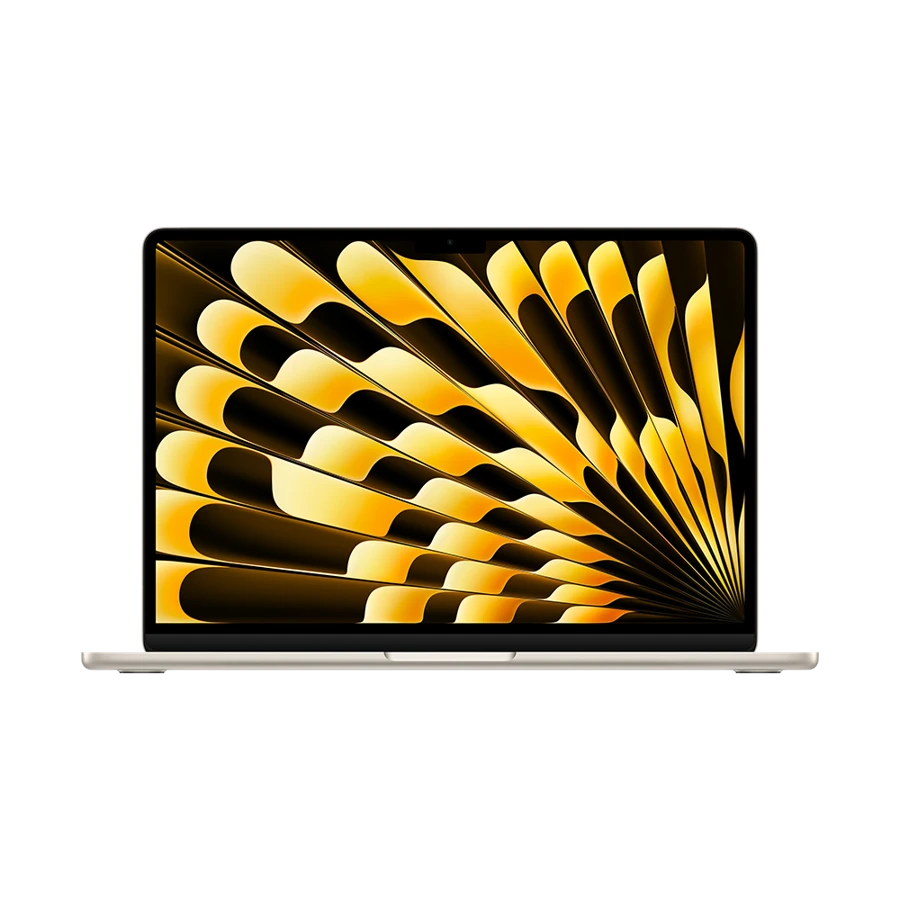
Apple MacBook Air 13-inch (M5)
With supported devices on the same Apple Account, Continuity Camera can use the iPhone camera and microphone in Mac applications. The M5 Air can remain on MagSafe while a USB cable connects a trusted iPhone. This is useful when the room has dependable broadband but the laptop camera would be pointed up from the tabletop. Pack a stable mount and check the picture before starting a client call.
- Display
- 13.6 in IPS
- Weight
- 1.23 kg
- Platform
- Apple M5
Why choose it
A separate MagSafe port keeps charging off the data ports. The internal camera is a practical fallback when the iPhone is needed elsewhere.
Trade-off
Apple requires the iPhone not to be sharing its cellular connection for Continuity Camera. If it supplies your hotspot, switch to the laptop camera.
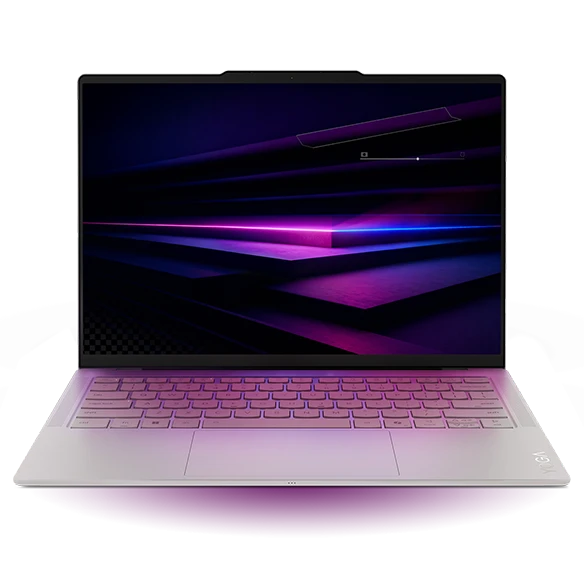
Lenovo Yoga Slim 7i Ultra Gen 11 Aura Edition
Microsoft documents using a supported Android phone as a webcam for PC software on Windows 11. Follow its Link to Windows setup and select the phone in the calling app. On the Yoga you can use one Thunderbolt socket for power, another for the phone cable if your workflow needs it, and a third for a display or a drive. Plan around a stable camera position before worrying about megapixels.
- Display
- 14 in OLED touch
- Weight
- From 975 g
- Platform
- Intel Core Ultra Series 3
Why choose it
Starting at 975 g, the Yoga leaves room in a small bag for a foldable stand or an external SSD without making either accessory mandatory.
Trade-off
This USB-C-only model needs an adapter for a legacy headset receiver. Company policy may also disable a mobile-device webcam. Rehearse with the work account.
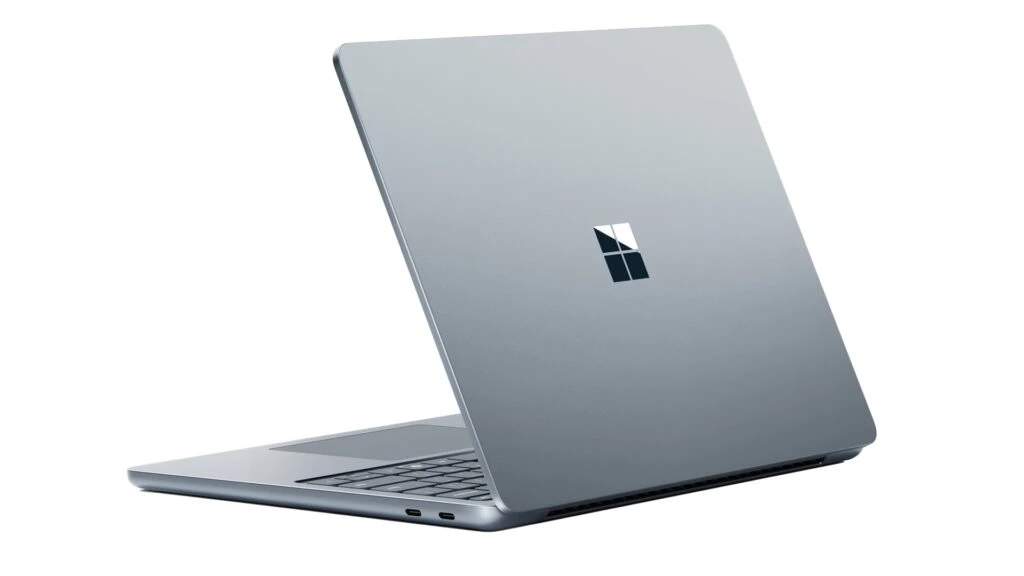
Microsoft Surface Laptop for Business 13-inch (1st Edition)
A 1080p front-facing camera and a 3.5 mm headset socket give the first-edition 13-inch Surface a simple role: let the phone supply connectivity or receive calls, and keep video on the computer. A USB-A headset receiver can remain at the laptop, so the phone does not have to be mounted near a screen in the middle of a desk.
- Display
- 13 in 3:2 touch
- Weight
- 1.22 kg
- Platform
- Snapdragon X Plus, 8-core
Why choose it
A 13-inch 3:2 touch panel leaves room for a short call agenda. Two USB-C ports remain available while using USB-A audio.
Trade-off
It uses Snapdragon X Plus. Check required conferencing plug-ins, security clients and headset drivers for Windows on Arm before standardizing on it.
Specifications at a glance
| Laptop | Laptop weight | Screen | Platform | Connections |
|---|---|---|---|---|
| MacBook Air 13 M5 | 1.23 kg | 13.6 in, 2560 × 1664 IPS | Apple M5 | 2 × Thunderbolt 4, MagSafe 3, 3.5 mm |
| Yoga Slim 7i Ultra | From 975 g | 14 in, 2880 × 1800 OLED | Intel Core Ultra Series 3 | 3 × Thunderbolt 4 |
| Surface Laptop 13 X Plus | 1.22 kg | 13 in, 1920 × 1280 touch | Snapdragon X Plus, 8-core | 2 × USB-C 3.2, USB-A, 3.5 mm |
Weights exclude the power adapter. A starting weight applies only to the configurations covered by the manufacturer.
Give the phone one primary job
Best lightweight laptops for business travel and remote work depend on which part of a mobile meeting is hardest to replace. On a hotel desk with a solid connection, the phone can be a camera. On a train, it may be your only connection to the internet. During a meeting that needs phone-based identity approval, the handset has to stay accessible. Decide which role has priority before selecting a laptop around a cross-device feature.
Try a complete call with a colleague from the account you actually use. Switch cameras and microphones separately, share one document and play back a short permitted recording or ask your colleague to describe the audio. A sharp camera does not repair room echo. A reliable wired microphone in a noisy hotel can be the more valuable upgrade.
What to do when the plan changes
A short fallback sequence keeps the call moving even when a whole device becomes unavailable.
| If this happens | Change this first | Before the next trip |
|---|---|---|
| The iPhone must be the hotspot | Choose the Mac’s integrated camera and keep the phone on hotspot duty | Store a stand that works with the laptop camera height |
| An Android webcam is missing in the meeting app | Use the built-in camera and finish the call | Check Android version, Link to Windows and company device policy |
| The connection drops while sharing slides | Switch to an offline copy or ask a colleague to share the authorized file | Keep the deck and embedded media in one local folder |
| The client rings your phone during a video meeting | Leave the laptop as the audio endpoint if possible | Agree on a call-back channel independent of the meeting session |
Carry the right files offline
Choose the project folder you will need in transit and mark it for local availability in your approved sync client. Let downloads finish while plugged in. Disconnect, open the actual spreadsheet and click through the embedded slides. A filename and preview can remain visible even when the full file needs a connection. If only a fraction of the files are permitted on a travel machine, limit the offline copy to that subset.
For a concrete capacity check, imagine three approved 6 GB video assets, a 4 GB slide package and 8 GB of working exports. The project needs 30 GB before the operating system or application cache. If you move the footage onto an external drive, verify the connector, drive format and backup method as carefully as the laptop model.
How we chose these laptops
The shortlist gives separate weight to usable built-in audio and video, phone-camera support, charger and storage connections, and offline recovery. Published feature requirements define when each pairing makes sense. Network throughput and real call quality depend on the site, carrier, conferencing software and microphone placement.
Buying questions
Do I need a separate webcam for a trip?
Only if the built-in camera and approved phone-camera workflow cannot produce the framing you need. Test eye height, lighting and audio with a colleague before adding another device.
Will offline files update when I reconnect?
A properly configured sync service can upload or reconcile changes, subject to its policy. Before editing sensitive documents, confirm ownership, permissions and how your team handles conflicting versions.
Is my phone hotspot permission included with the laptop?
No. Tethering availability and data limits depend on the phone plan and carrier. Verify roaming terms for the actual destination and keep essential files available offline.
Sources and further reading
- Apple MacBook Air 13-inch (M5) · technical specifications
- Lenovo Yoga Slim 7i Ultra Gen 11 Aura Edition · technical specifications
- Microsoft Surface Laptop for Business 13-inch (1st Edition) · technical specifications
- Apple · Continuity Camera requirements
- Microsoft · Use an Android phone as a PC webcam
- Microsoft · File availability in OneDrive for Windows
- Microsoft · Application and driver compatibility on Windows on Arm